How to restore old photos for free: AI, apps and editors compared
Published · 6 min read
You can restore an old photo for free with a desktop editor like GIMP or a phone app like Snapseed, if you have the time to retouch by hand. Online AI tools do most of the work in seconds but usually limit what is free. A professional retoucher costs the most and is worth it for one-of-a-kind photos with heavy damage. Whatever you choose, start from a good digital copy and keep the original print untouched.
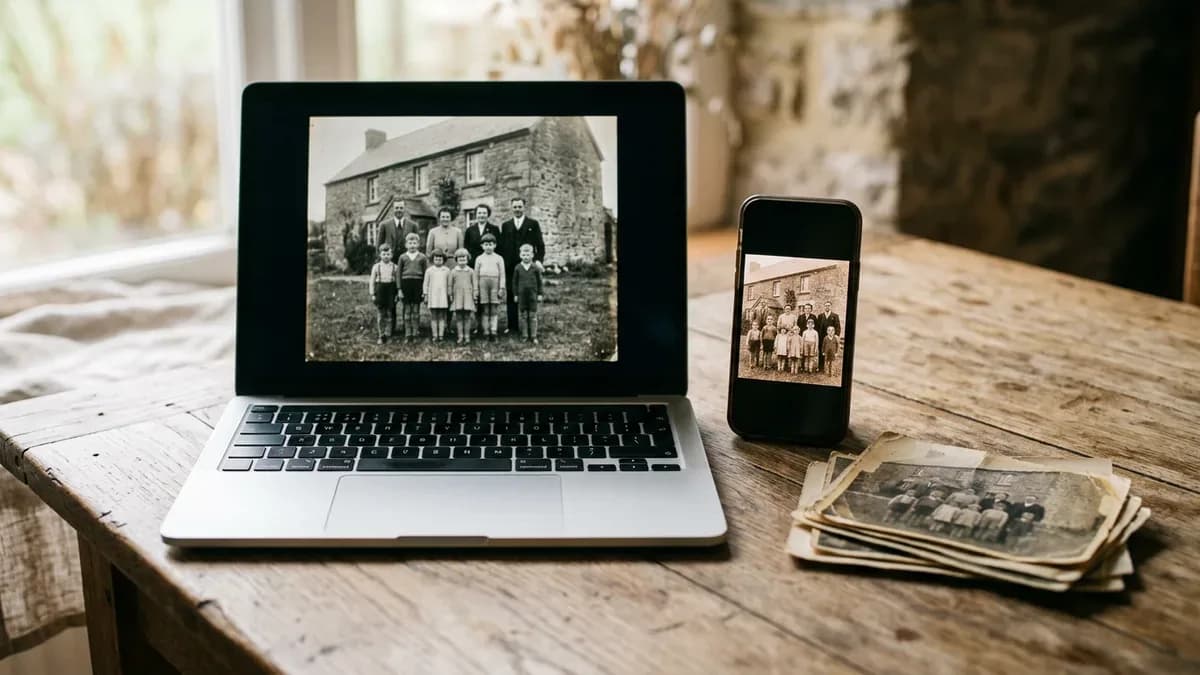
Start with a good copy, whatever tool you use
Every option below works on a digital copy, not on the print. The quality of that copy limits the result more than the tool does: a blurry, glary or tilted photo of a print gives any editor or AI model less to work with.
- Photograph or scan the print in soft, even daylight, straight from above, with the photo filling the frame.
- Save the copy at full size and keep it as your untouched master.
- Do all edits on a duplicate, so you can always go back or try another tool.
Our guide to scanning old photos with a phone goes through light, angle and apps step by step.
Free editors on a computer or phone
If you have patience and a few damaged spots rather than a ruined photo, a free editor does the job for nothing.
- GIMP is free software for Windows, macOS and Linux. Its healing and clone tools copy clean texture over scratches, dust and crease lines, and its color tools can lift fading. It is good at precise, small repairs you control pixel by pixel. It breaks down on time: a photo covered in fine scratches can take hours, and there is a real learning curve if you've never used a layer.
- Snapseed is Google's free photo editor for iPhone and Android, and its App Store listing says it has no subscriptions, purchases, ads or watermarks. The Healing tool paints out small spots and objects, and the tone tools help with faded prints. It is quick for a handful of dust specks. It struggles with long scratches, tears through faces and anything that needs missing detail rebuilt, because you are working with a finger on a small screen.
Photoshop does the same work with more tools, but it is a paid subscription — annual plans billed monthly, with a 7-day free trial, as listed on Adobe's site as of October 2026. For one box of family photos, the free editors usually cover the manual side.
Tip: Retouch faces last and at full size. Where a scratch crosses an eye or a mouth, sample texture from right next to it and use short strokes — that is where hand retouching shows most.
Online AI restoration tools
AI restoration models recognise scratches, tears, stains and fading and rebuild the detail underneath in one pass. That makes them fastest on photos with many small faults, and on damage that runs across skin, hair or sky, where hand retouching is slow.
Free tiers are common but limited. MyHeritage, for example, says its Photo Repair fixes scratches, tears, holes, stains and other damage on historical photos; all users can repair several photos free, and more need a Complete subscription. It also keeps the original intact and saves the repair as a new copy, which is the right way round.
Before you upload a whole box, check three things on any tool's own pages:
- What the free tier includes — how many photos, at what size, and whether the free result carries a watermark.
- What happens to your uploads and how long they are kept.
- Whether you can compare before and after, and download the full-resolution file.
Where AI breaks: it reconstructs, it doesn't recover. A face crossed by a tear or a missing corner is rebuilt from what surrounds it, so small details can change. Compare the result with the original, especially eyes, mouths and hands, and keep both. If you also want color, see how to colorize black-and-white photos for what AI gets right and wrong.
This is what CreaseFix does for old prints: upload a phone photo, pick Quick restore, Studio restore for faces and group photos, or Restore & colorize, and check the result with a before-and-after slider. Your first restorations are free with no card and no subscription, and original uploads are deleted automatically after 30 days.
Professional retouchers
A skilled retoucher does by hand what the AI does automatically, with judgment about what the missing piece should look like. Prices are per photo and depend on the damage: a Canadian camera-store lab, for example, lists restoration at $85 per image, as of October 2026, and scans the print itself so it doesn't have to touch the original.
It is worth paying when the photo is one of a kind, the damage is severe (large missing areas, faces torn through, heavy mold or water damage), or you need a print for a funeral, an anniversary or a family book and can't risk an odd-looking face. It is slow and expensive for a whole album.
A retoucher only works on the image. If the print itself is flaking, brittle or moldy, that is a job for a photograph conservator, not an editor.
Which option fits your photo
- A few dust spots or one short scratch: a free editor — Snapseed on a phone or GIMP on a computer.
- Many scratches, fading and small tears on ordinary family snapshots: an AI restoration tool, then check faces at full size.
- A whole box or album: AI for the first pass on every photo, hand retouching only where a result looks wrong.
- A single irreplaceable portrait with heavy damage: a professional retoucher, and a conservator for the print if it is falling apart.
Many photos need a mix: fix the scratches with AI, touch up one stubborn spot by hand. Our guide to removing scratches and dust shows both methods on the same kind of damage.
Questions
Yes. GIMP on a computer and Snapseed on a phone are free and handle scratches, dust and fading by hand. Online AI tools such as MyHeritage's Photo Repair let you repair a few photos free before you pay.
It depends on the damage. A free editor is enough for a few spots; an AI restoration tool is faster for many scratches, fading and tears; a professional retoucher is best for a single photo with heavy damage.
GIMP is a free download that runs on your own computer, so there is nothing to sign up for. Online AI tools such as MyHeritage's work inside an account; check what the free tier includes and how long uploads are kept first.
It can. Where damage crosses a face, the model rebuilds the missing detail from what is around it, so small features may change. Compare the result with the original at full size and keep both.