for the photos in the shoebox
Bring old family photos back to life.
Repair scratches, fading, creases and torn corners, then add natural color — from a simple phone photo of the print.
2 free credits · no card needed
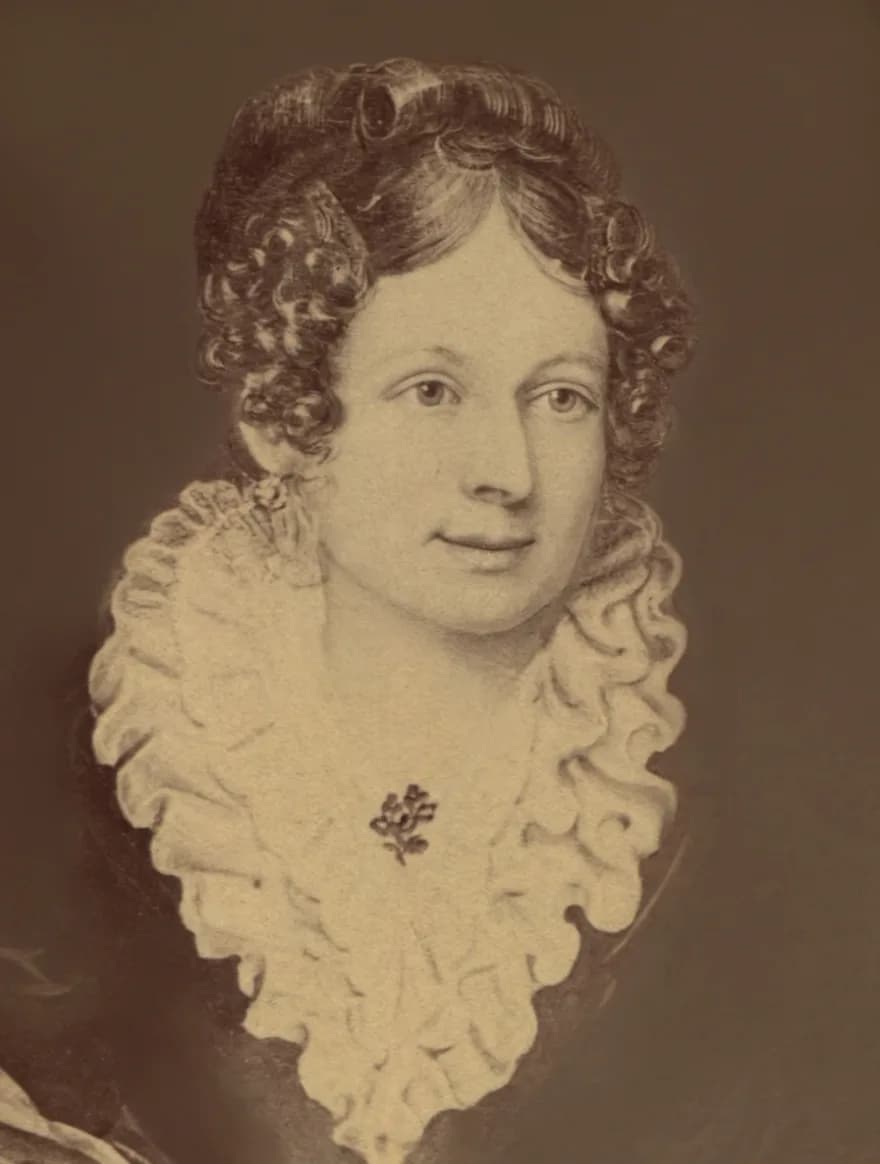
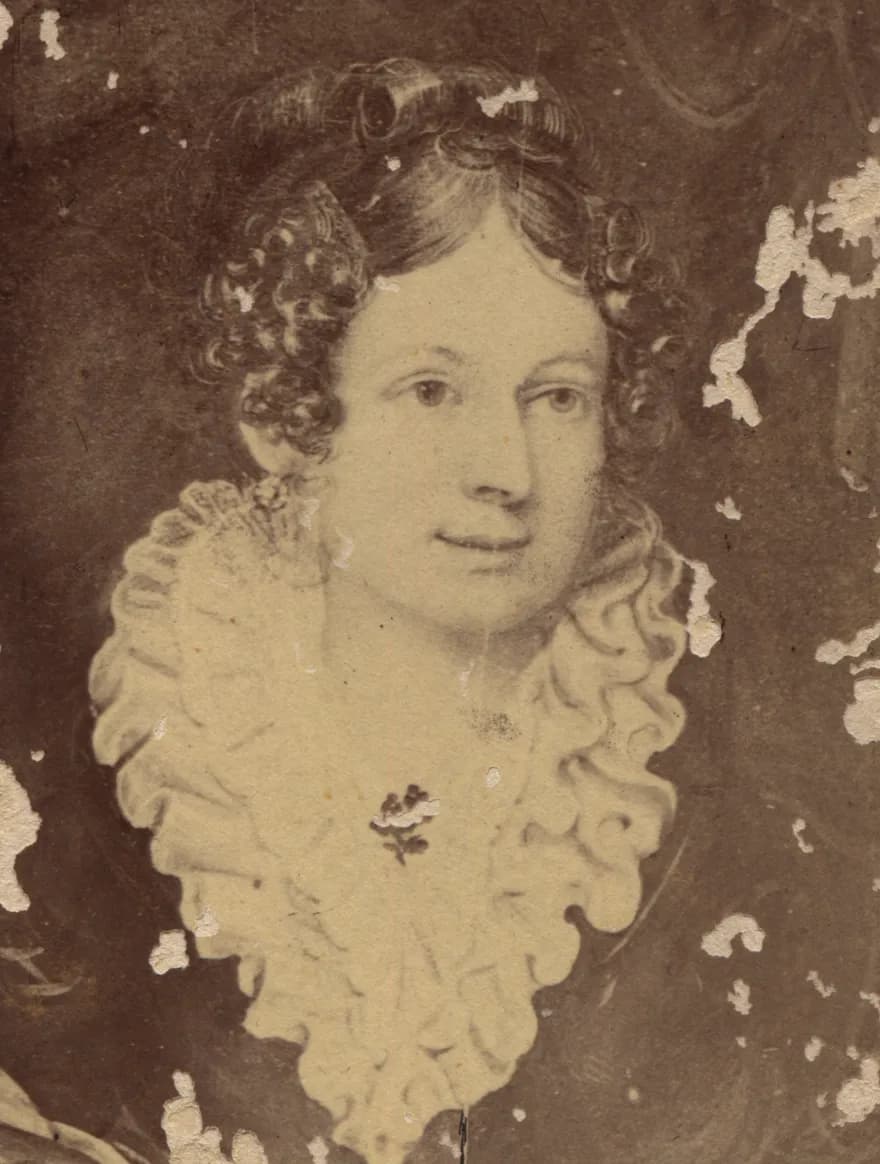
What it repairs
- Scratches & dust
- Hairline scratches, specks and mould spots removed without smoothing the face into plastic.
- Fading & yellowing
- Lost contrast and sepia cast rebalanced so the picture reads again.
- Creases & tears
- Folds and missing corners rebuilt from the surrounding detail.
- Soft focus
- Faces sharpened with care — detail is recovered, not invented from scratch.
- Color
- Optional colorization with natural skin tones, clothes and backgrounds.
From the album
Real CreaseFix restorations of old public-domain photos. Drag the handle on each one to compare before and after.
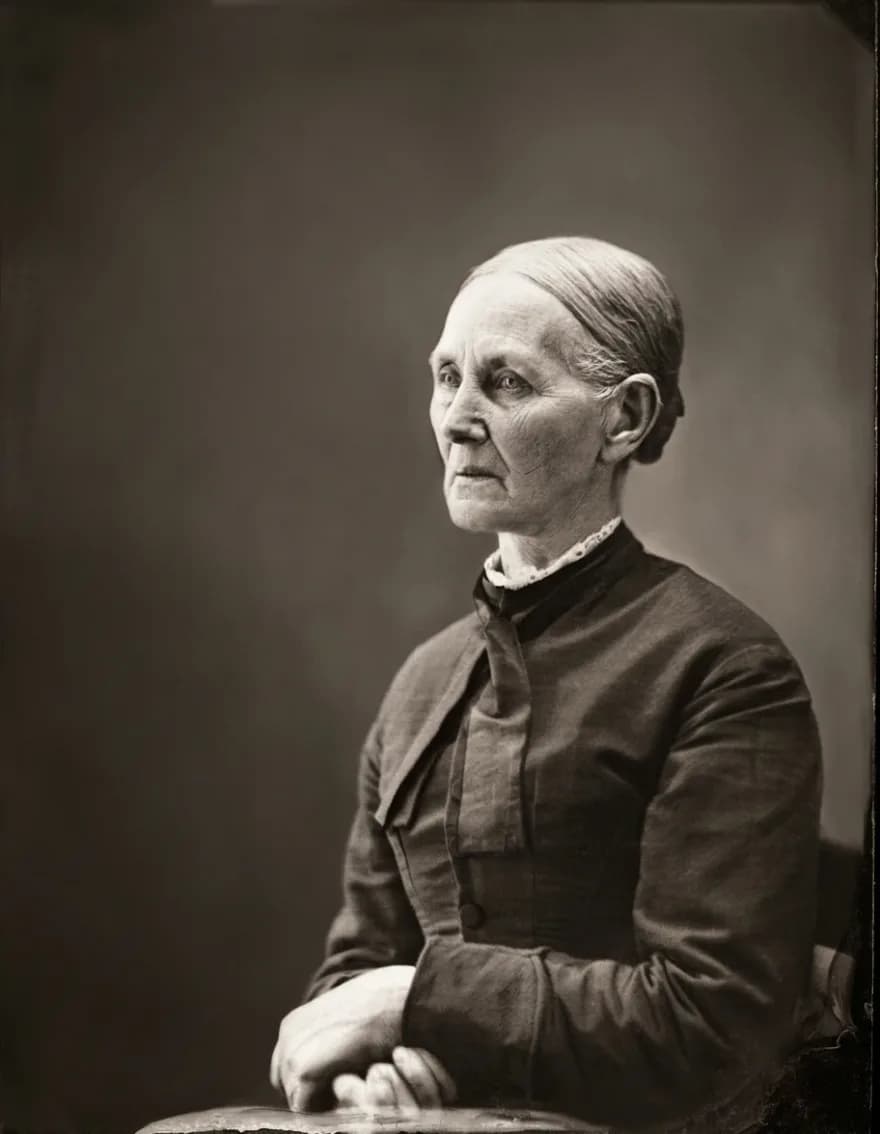
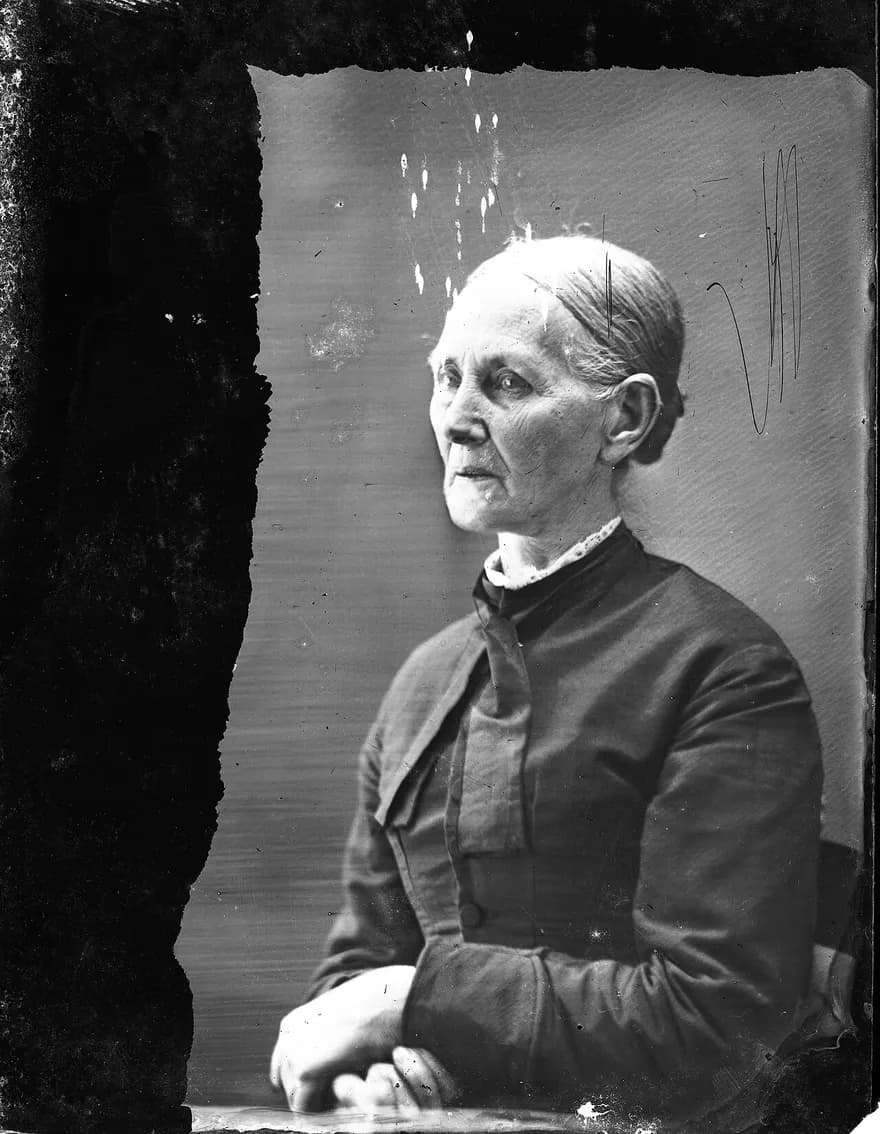
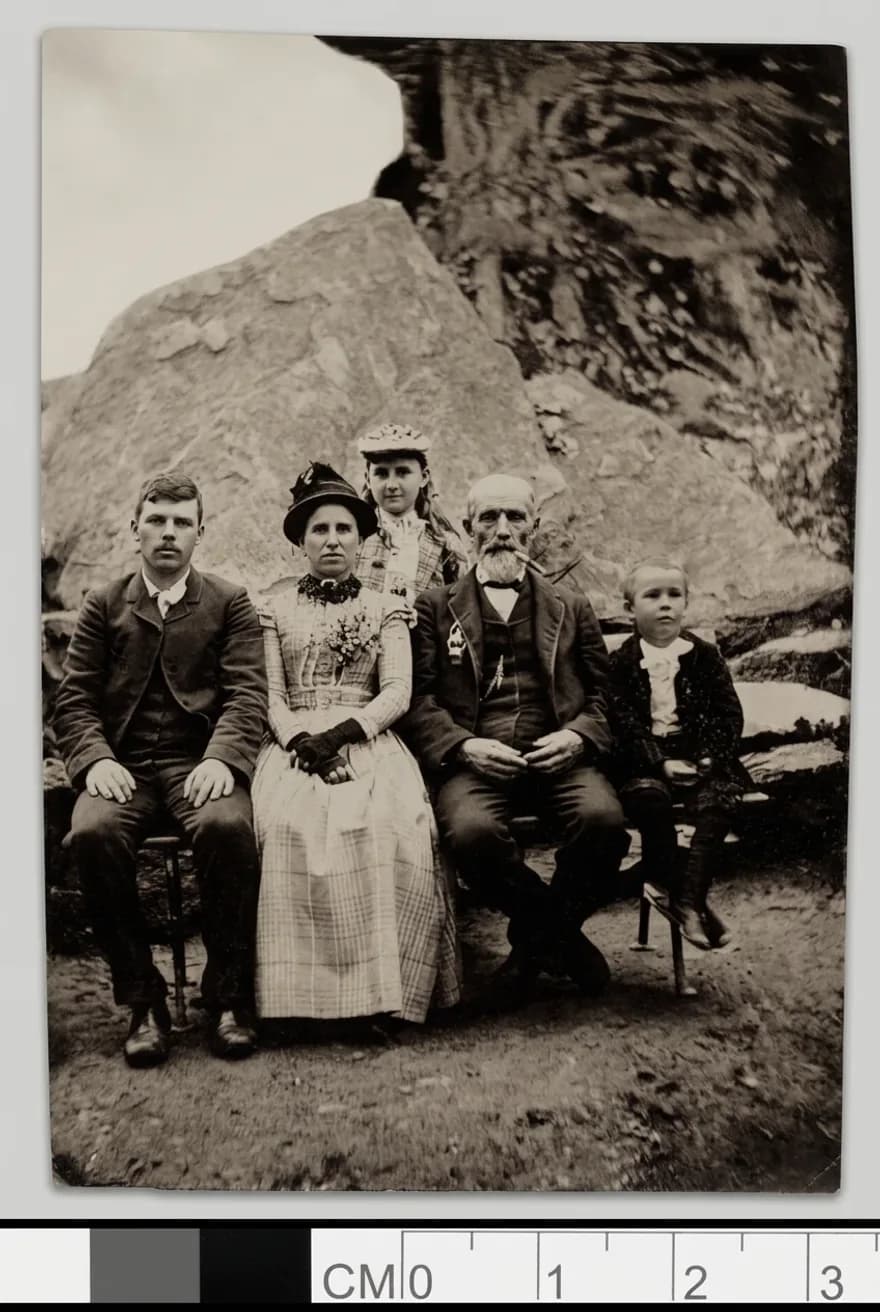
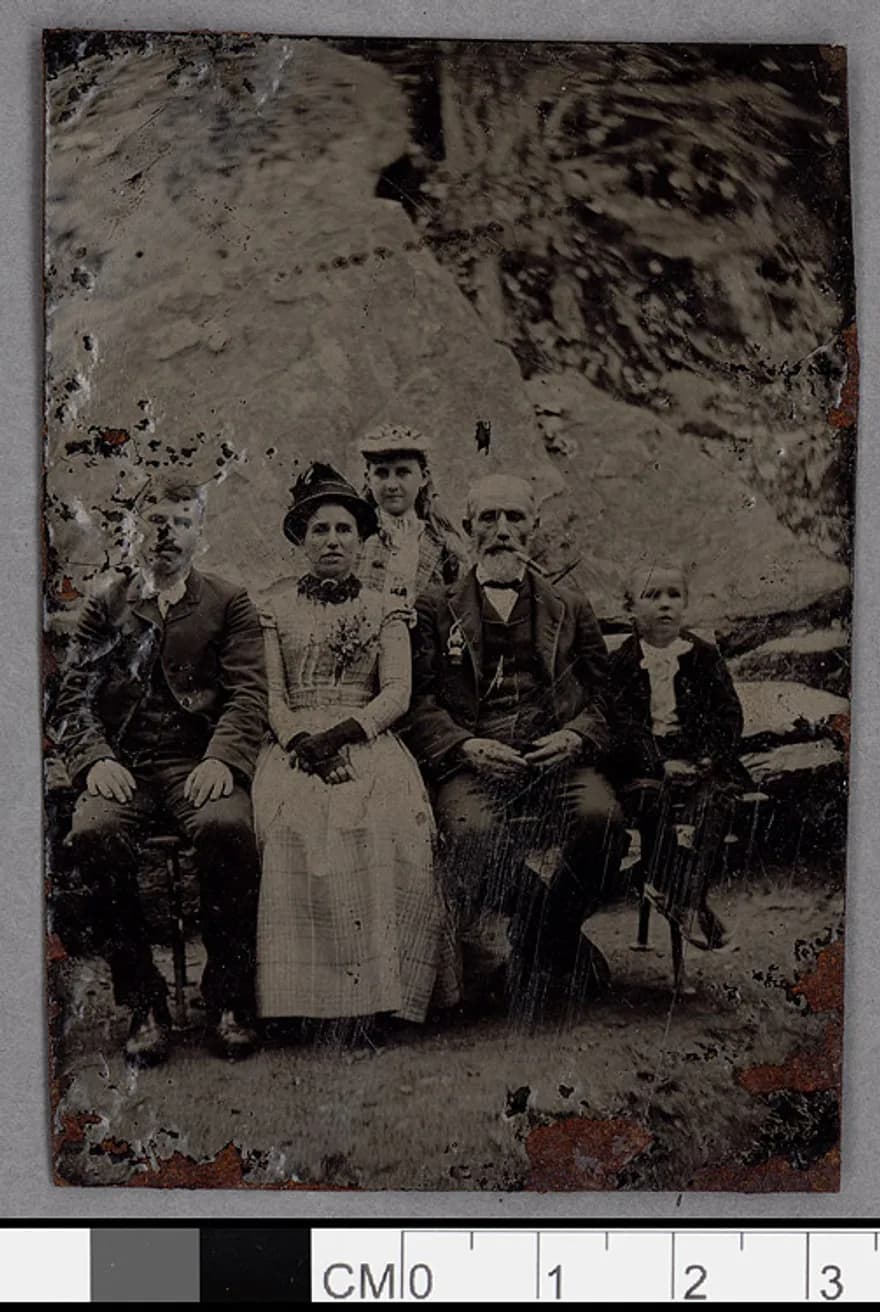
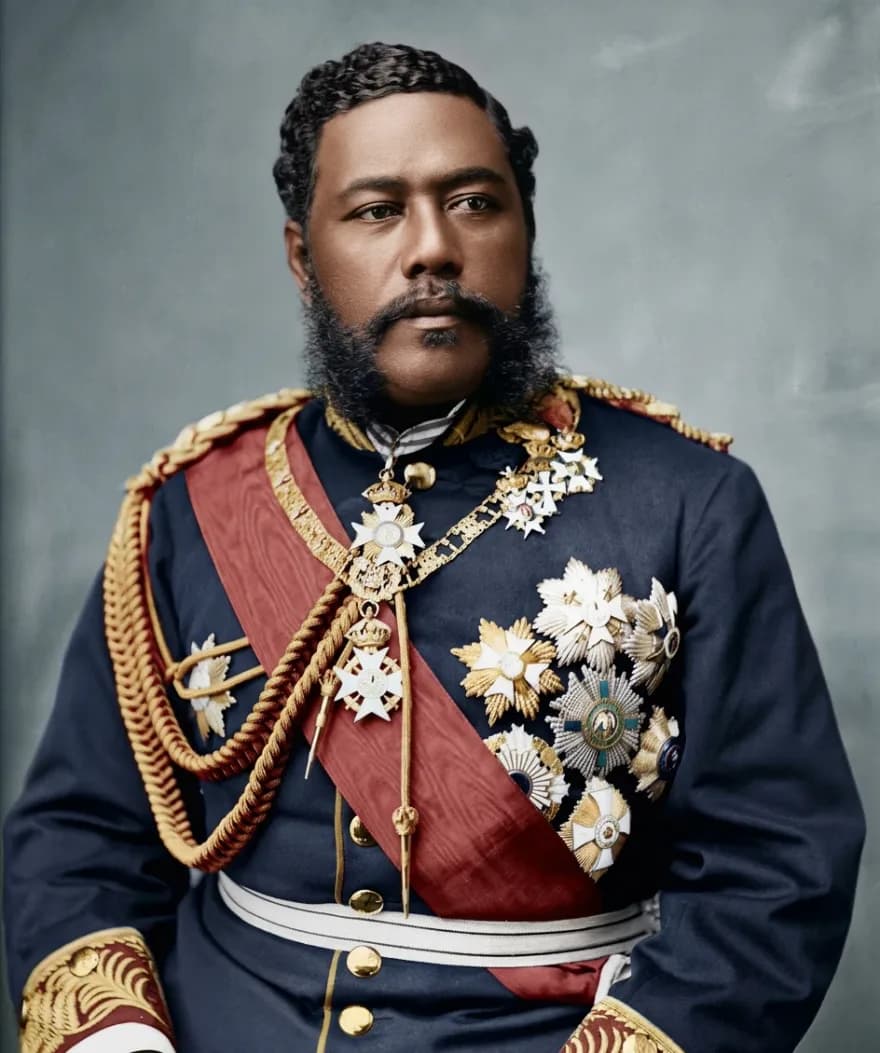
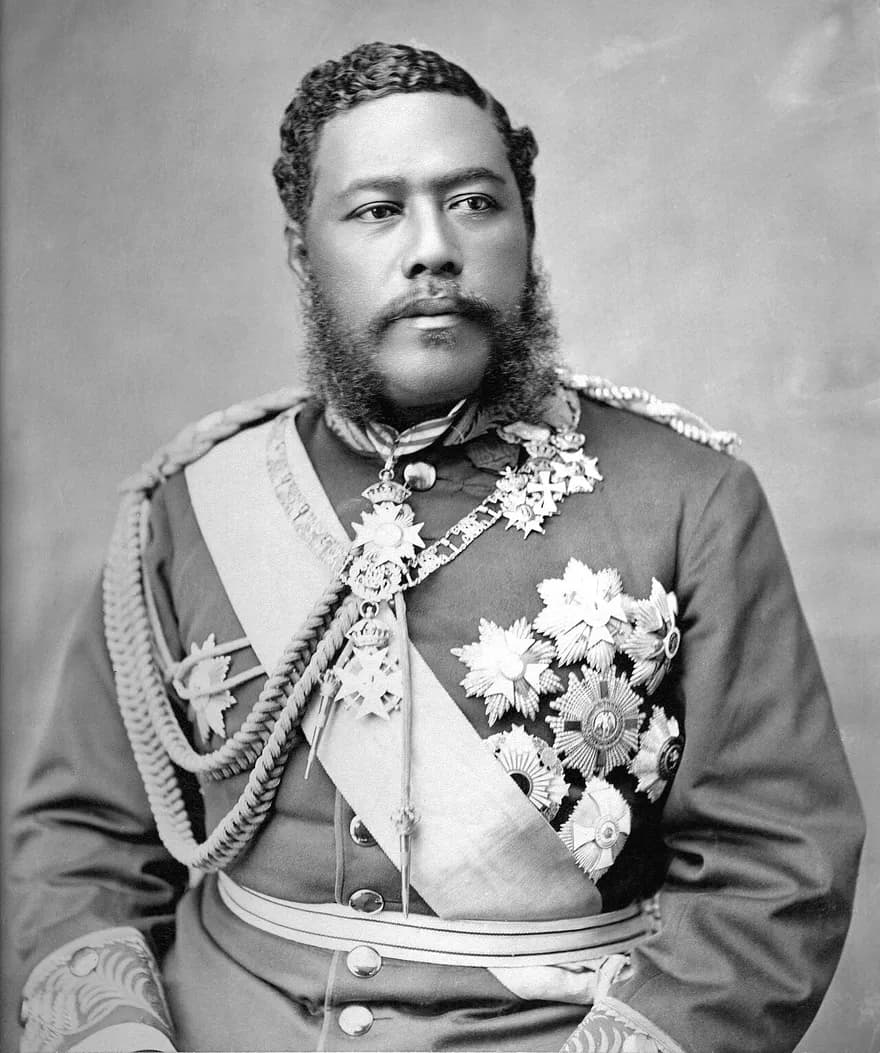
Originals are public-domain photographs from Wikimedia Commons, restored with Studio restore (the colored one with Restore & colorize). Sources: damaged portrait, scratched portrait, family group, King Kalākaua.


How it works
1.Photograph the print
Lay it flat near a window and take a photo with your phone. No scanner needed.
2.Choose quick, studio or color
Quick restore for a single portrait, studio for faces and group photos, or restore & colorize. Preview before you download.
3.Keep the full-resolution file
Download it, print it, share it with the family chat.
Your family photos stay yours.
- Only you can see your uploads and results.
- Original uploads are deleted automatically after 30 days.
- We don't use your photos to train AI models.
- Only upload photos you have the right to use.
Simple prices for the whole shoebox
Your first 2 credits are free. Buy a pack when you need more — credits never expire. A quick restoration is 1 credit; studio restoration or restore & colorize is 2.
Start with 2 free credits
= 2 quick restorations, or 1 studio restoration. No card needed. Paid packs are coming soon.
20 credits
Paid once · ≈ 25¢ per credit
$4.99
60 credits
Paid once · ≈ 17¢ per credit
$9.99
150 credits
Paid once · ≈ 13¢ per credit
$19.99
Family archive
80 credits every month · ≈ 10¢ per credit
$7.99/mo
Prices in US dollars. Taxes may apply depending on your country and are shown at checkout.
1 credit = 1 quick restoration; studio restoration and restore & colorize use 2 credits. Plans renew monthly until you cancel — cancel any time from your account.
Payments are processed by Freemius, our merchant of record.
See the refund policy.
most read this month
Help with old photos
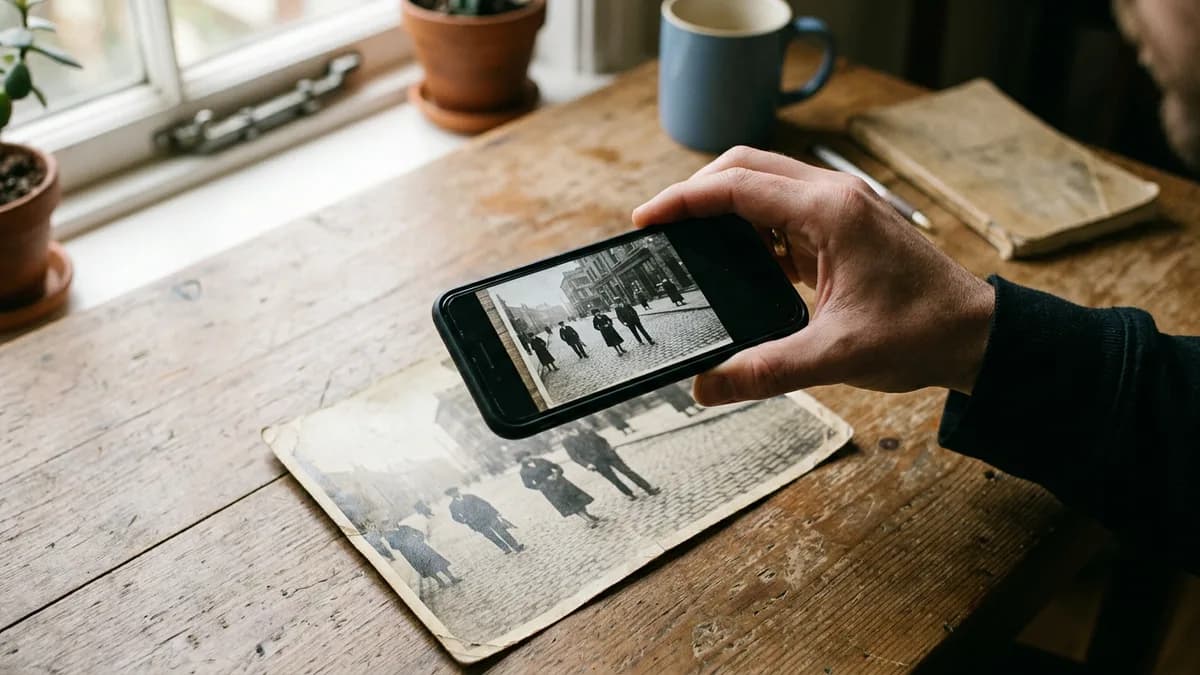
How to scan old photos with your phone
Get a sharp, glare-free copy of an old print with just a phone: light, angle, apps and settings — and why a good copy matters before any restoration.
5 min read
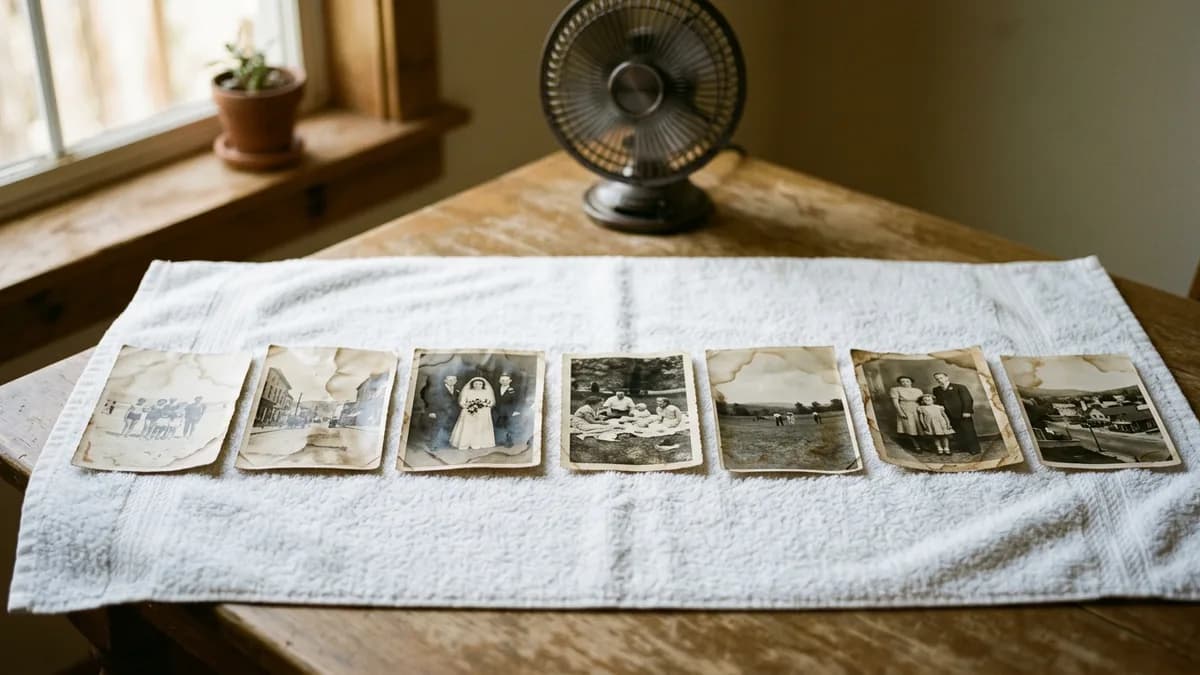
Can water-damaged photos be restored?
What to do in the first 48 hours, how to handle photos stuck together or to glass, and how to repair water stains and lost detail on a digital copy.
7 min read
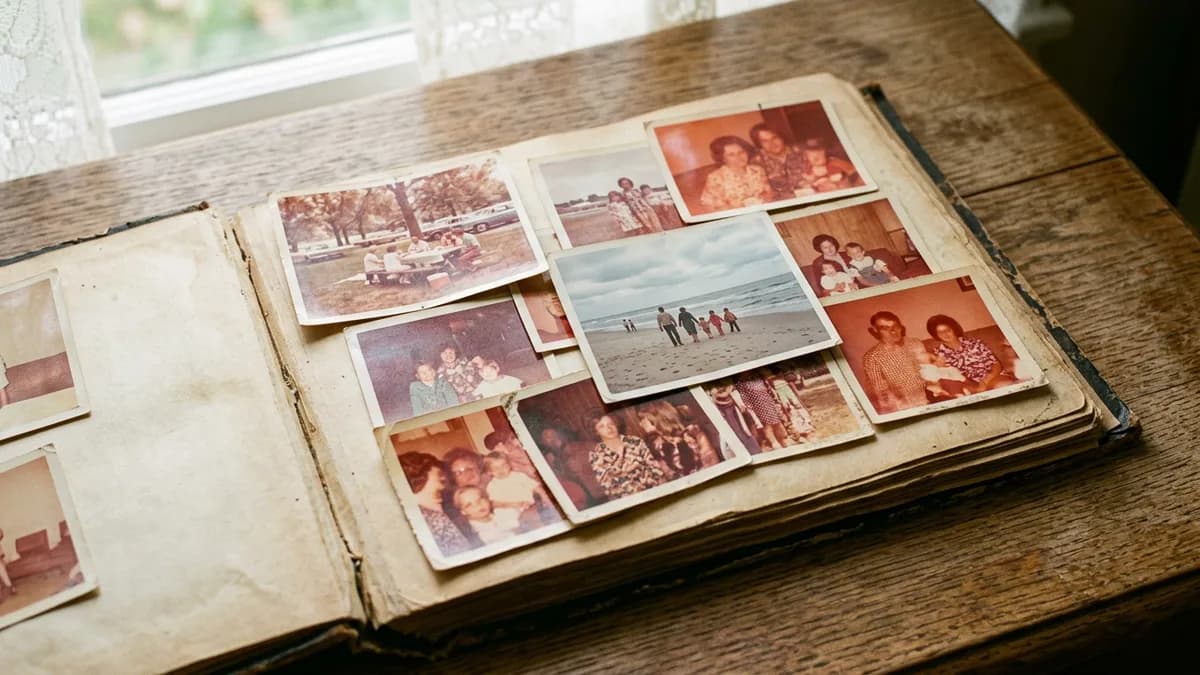
How to restore faded and yellowed photos
Why old prints fade, turn red or yellow, how to stop it getting worse, and how to bring back contrast and natural color on a digital copy.
6 min read
Questions
No. A phone photo of the print taken in daylight works. Scans give slightly better detail if you already have them.
Colorization is an educated reconstruction — skin, sky and foliage look natural, but a dress that was really blue might come out green. You can always keep the restored black-and-white version.
Your first 2 credits are free. After that, packs start at $4.99 for 20 credits and credits never expire. A quick restoration costs 1 credit; studio restoration and restore & colorize cost 2. You see the total before you pay.
Yes, family photos are what it's for. Please only upload photos you have the right to use, and never photos of someone who hasn't agreed to it.
CreaseFix is an independent service built on third-party AI image models — currently Google's Gemini models, accessed through OpenRouter. It repairs and colorizes a digital copy of your photo; it isn't affiliated with or endorsed by Google. Your photos are never used to train AI models.
Get the first restorations free.
Sign in with your email and restore your first photos free. No card, no subscription.